
SSL/TLS Encryption
Secures your connection to mail servers so emails are sent and received safely.
Compare and choose the best tools to protect your Windows Live Mail stay secure, private, and fully compatible in 2025.
Essential protections that keep your emails safe by default.
Secures your connection to mail servers so emails are sent and received safely.

Blocks spam and suspicious messages before they reach your inbox.

Works with Windows Security to detect and remove harmful files.

Warns you when an email looks spoofed or comes from an untrusted source.

Keeps saved emails and login data safe within your Windows account.
Take control of your inbox — stop threats, filter spam, and keep your messages safe in just a few clicks.

Keep real-time protection on. Defender automatically scans every email and attachment for viruses or malicious content.
Adjust your spam settings under Options → Safety Options → Junk Email to block unwanted messages and risky links.
Leverage Microsoft’s cloud protection to detect new scams and phishing attempts before they reach you.
Mark suspicious emails as junk — Windows Live Mail learns from your actions to improve filtering accuracy over time.
Plug the gaps Live Mail might miss — boost protection with trusted third-party antiviruses.





Follow these essential steps to protect your emails, data, and privacy on any modern Windows system.
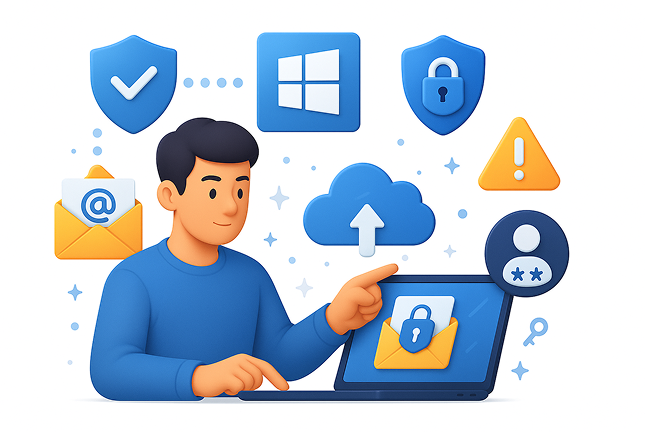
Boost your security with two-factor authentication and encryption — simple steps that keep your emails and logins safe.
Discover trusted email apps that offer the same Live Mail experience, with stronger security and privacy.






Keep your Windows Live Mail protected with the right tools and habits. Enable encryption, update your defenses, and explore secure modern email options built for 2025.
Protect your inbox — stay private, safe, and ready for what’s next.
